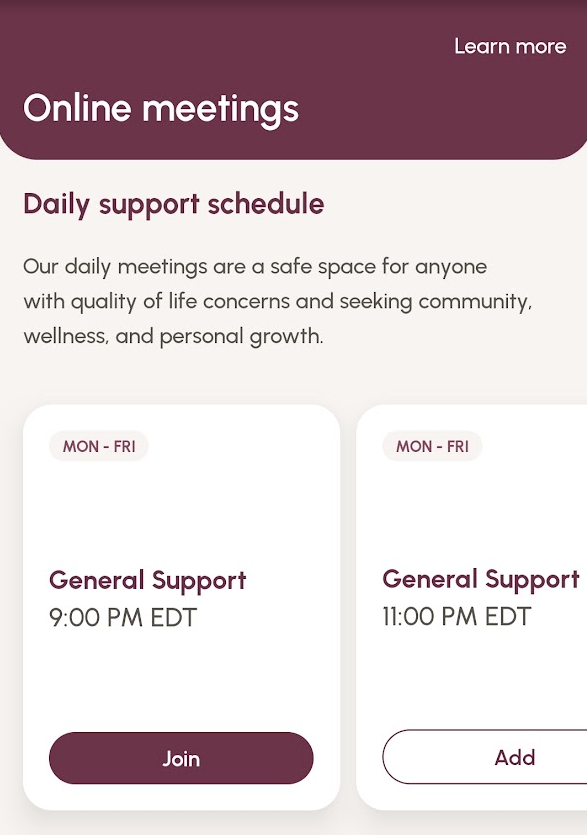
When you tap on the 'Meetings' tab, any meeting that is currently live will have a 'Join' button displayed on their card. Tap the 'Join' button to instantly be added to the meeting in progress.
NOTE: You may see a reminder pop-up that the meeting is public and reminding you that you may turn off your video, mute your microphone and edit your Zoom display name if you wish to remain anonymous. Tap 'Join' again to immediately join the meeting.
If there are no live meetings in progress, you will have the option to add a future meeting to your routines.
Was this article helpful?
That’s Great!
Thank you for your feedback
Sorry! We couldn't be helpful
Thank you for your feedback
Feedback sent
We appreciate your effort and will try to fix the article