To deactivte your account:
- Tap the gear icon in the upper left of the Home screen.

- Tap 'Delete account' at the bottom of the Settings page
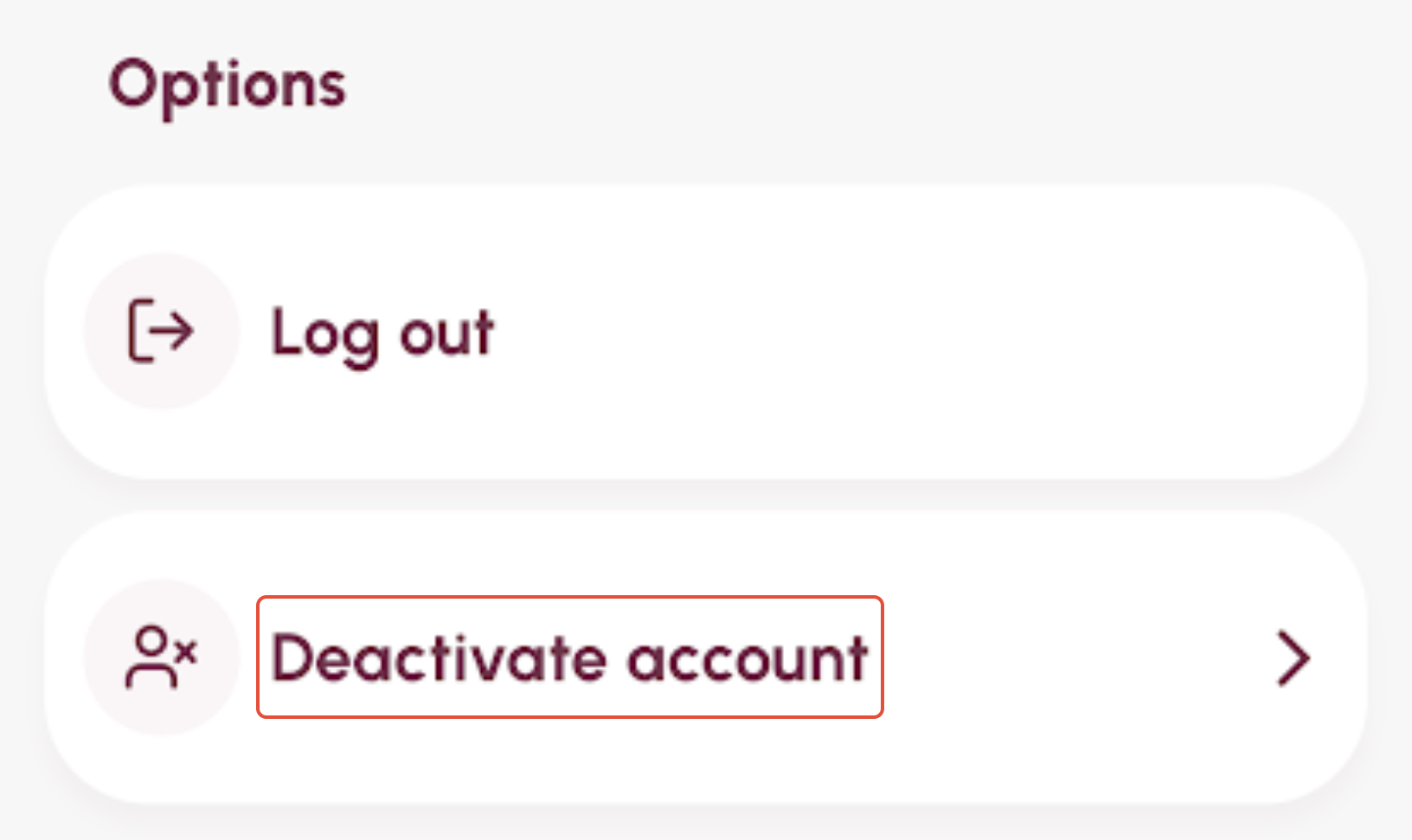
The next screen will ask you to confirm the deactivation.
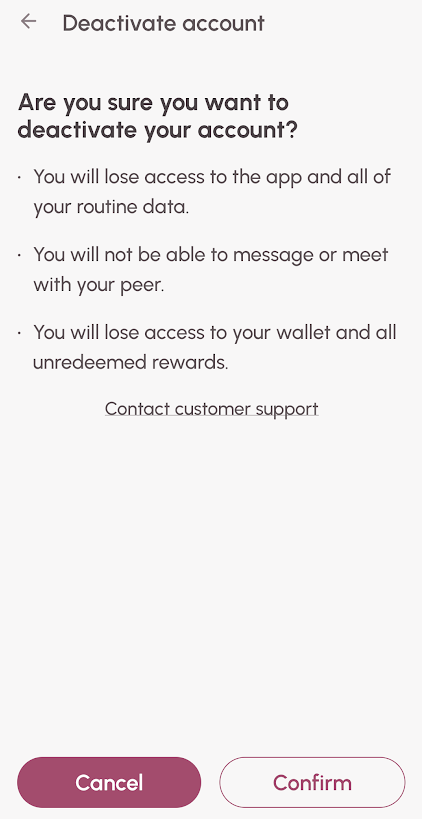
Tap the 'Confirm' button to confirm that you wish to deactivate your WEconnect account or choose 'Cancel' to keep your account active.
Was this article helpful?
That’s Great!
Thank you for your feedback
Sorry! We couldn't be helpful
Thank you for your feedback
Feedback sent
We appreciate your effort and will try to fix the article